


Aerobic System Alarm Activation
What to do when your alarm turns on
If your aerobic system alarm turns on, don’t panic — in most cases, it is not an emergency.
The alarm sound can be loud, but you can silence it by pressing the silence button. Depending on your system, the alarm and/or silence button may be located:
- On a wall-mounted control box, or
- On the lid of the aerator control box outside
Silencing the alarm stops the sound only — it does not fix the issue.
If your system has a visual alarm, the light will remain on until the condition that triggered the alarm is resolved.
Think of your aerobic alarm like a “check engine” light on a vehicle — it’s telling you something needs attention, not that the system has failed.
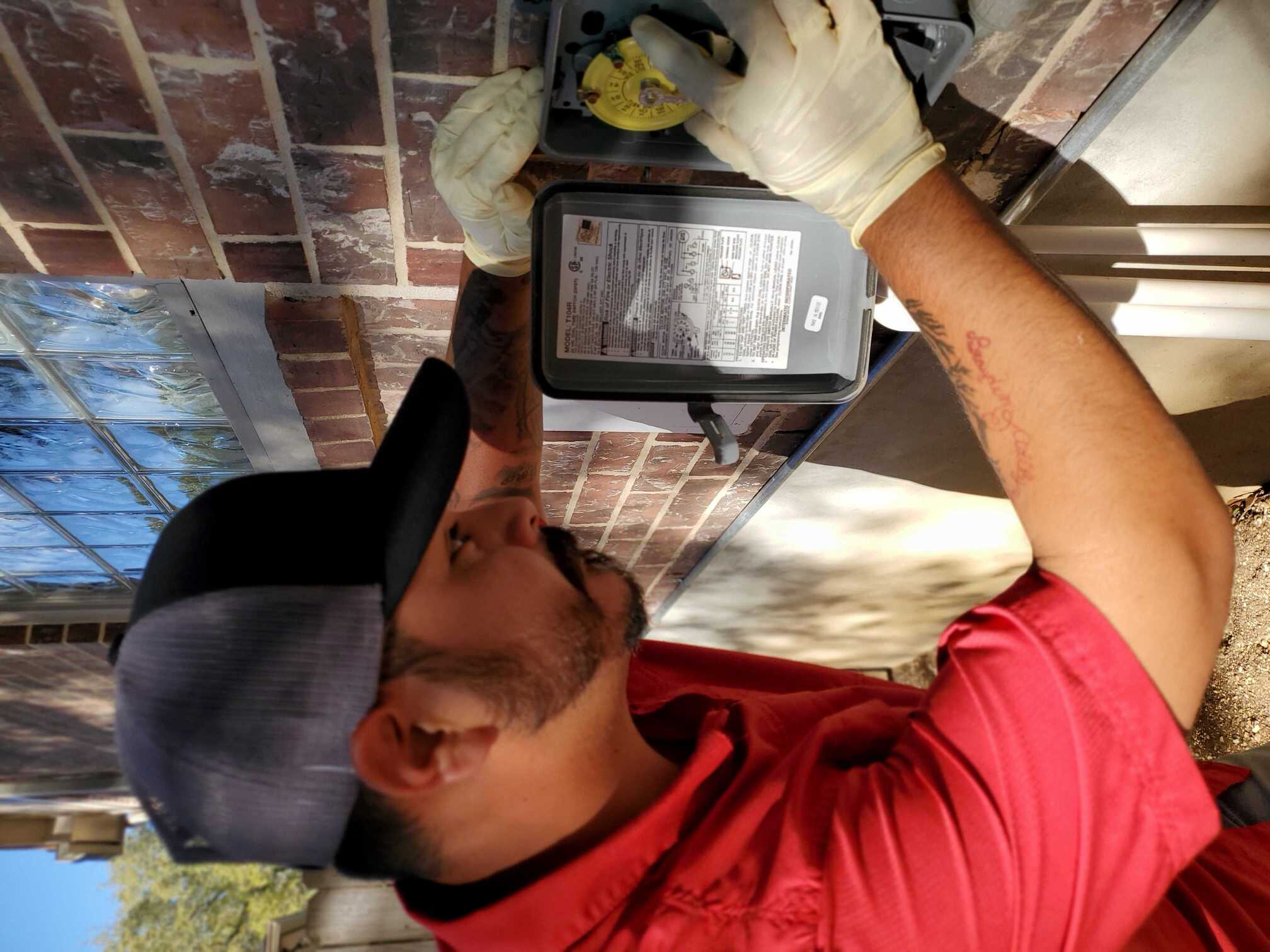
Why did my alarm turn on?
There are many possible reasons an aerobic alarm may activate. Some are minor and temporary, while others require service. The most common causes include:
- System on a timer that hasn’t sprayed or pumped down yet
- Clogged chlorinator
- Inoperable submersible pump
- Inoperable aerator or low air pressure
- Electrical or wiring issues
- Clogged diffuser
- Malfunctioning float switch
Things You Can Safely Check Yourself
Before calling for service, here are a few simple things you can check. Do not attempt advanced troubleshooting.
If the alarm turns off after these checks, no further action may be needed.
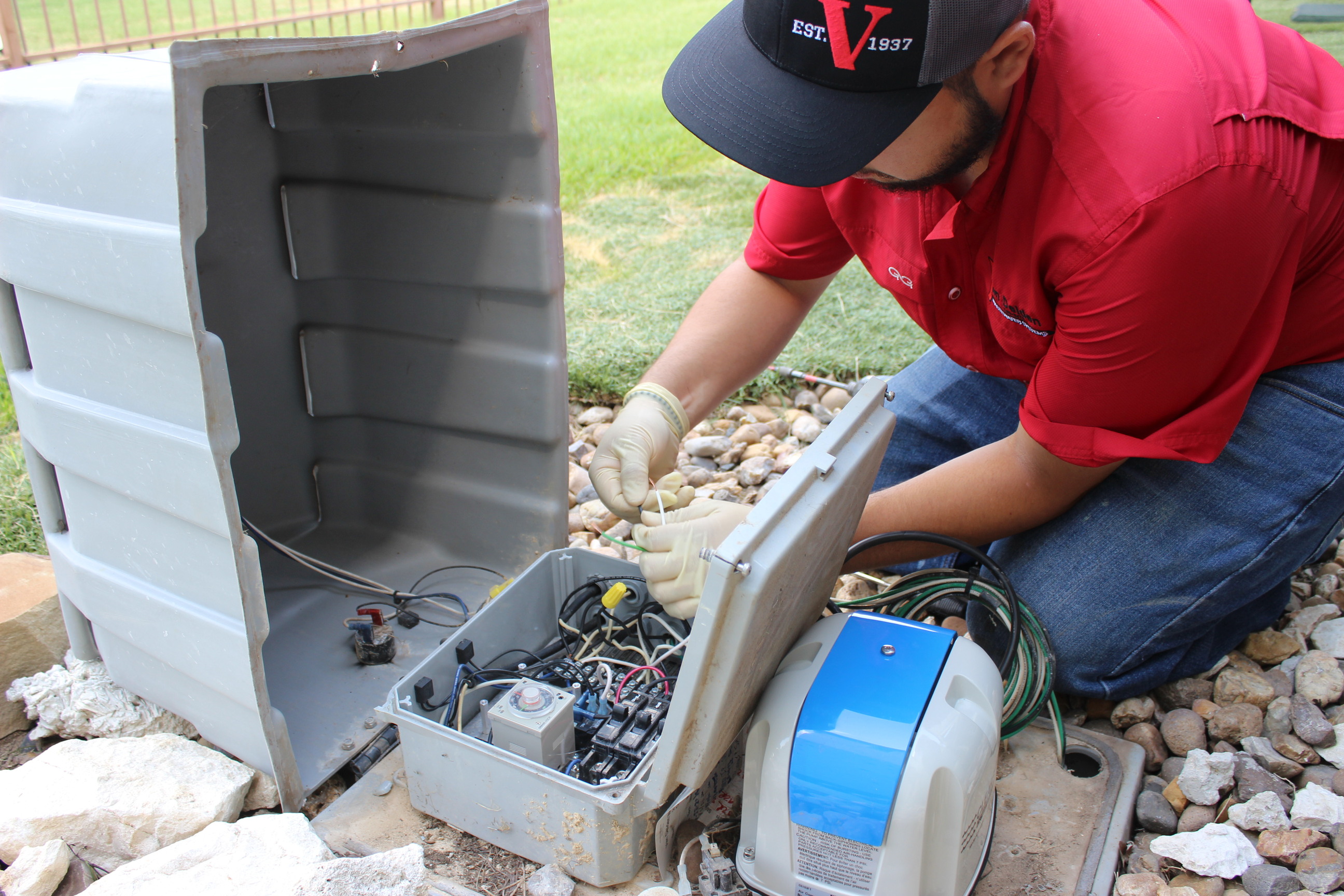
What Not to Do
- Do not add extra chlorine to try to clear the alarm
- Do not open electrical components
- Do not attempt mechanical or pump repairs
- Do not turn the system off
What to Do Next
Call your maintenance provider if:
- The chlorinator is not clogged, and
- No breakers are tripped, and
- The alarm does not clear after the system sprays or pumps down overnight
Your provider may:
- Service the system immediately, or
- Ask you to monitor the alarm for up to 24 hours (common for timer-based systems)
If the alarm stays on 24 hours or longer, contact your maintenance provider.
If you previously silenced the alarm, be sure to press the silence button again to reset it so the alarm will sound if another issue occurs.